 Lapiloop
Vincent Cantin-Bellemare
Founder, guitar
Started Lapiloop to play with other musicians without having to get everyone in the same room.
Remote music · Coming soon
Lapiloop is the app for playing along with songs made with AI, recording your audio and video, and sending in your best takes. Codeshop mixes them with other musicians’ takes into a Playing for Change–style video, published on YouTube.

In four steps
The song list features songs made with Suno, open for contributions until a closing date.
Guitar, bass, vocals or anything else. Your stem is muted in the mix, and you can loop a section to work on it.
The app records your audio and video in sync with the track. It measures your latency so everything lands in place.
Listen back, rate and send your best takes. We bring them together in a video published on YouTube, with your name in the credits.
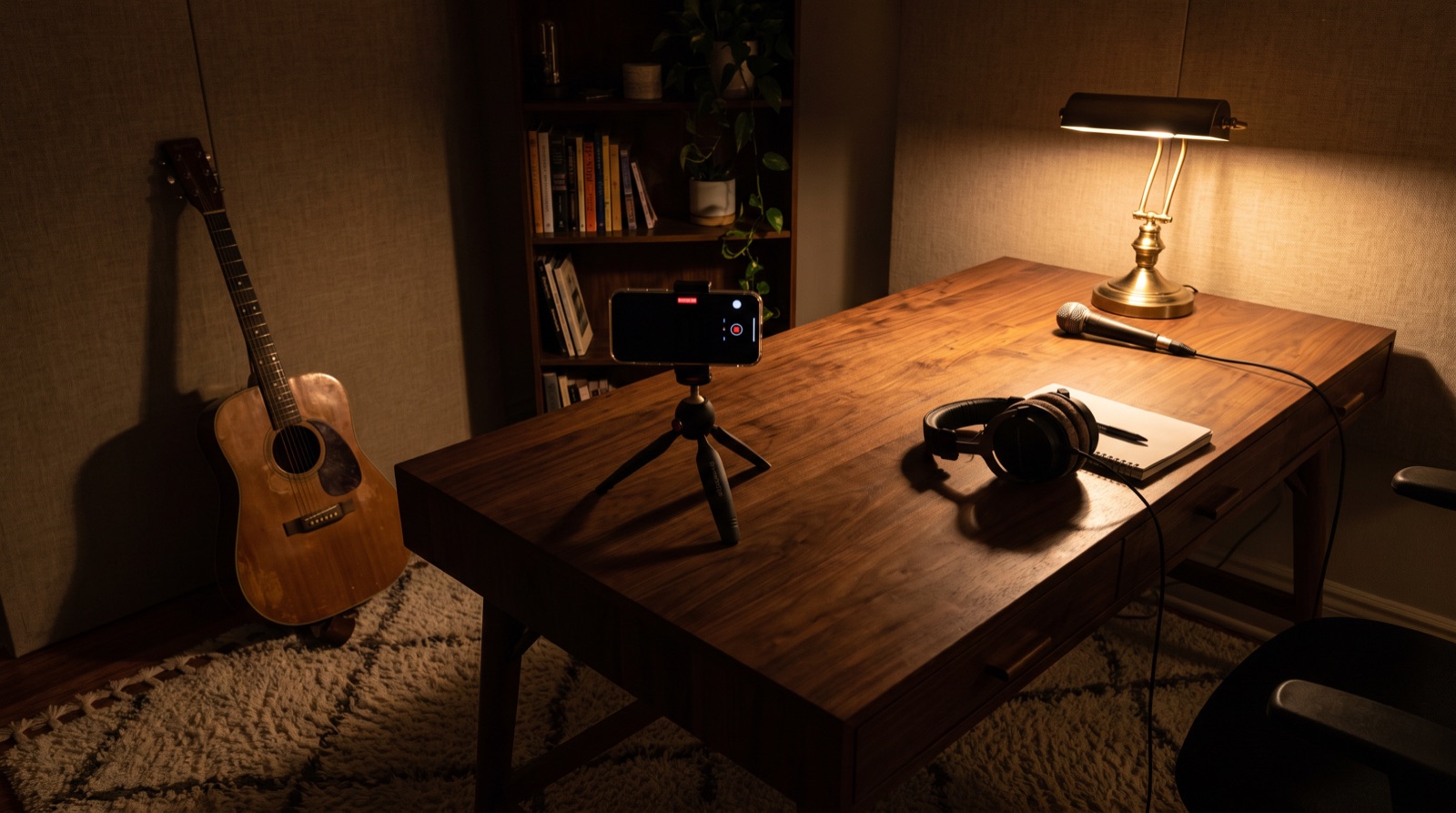
Preview
From the song list to sending your takes, it all happens on your phone or in your browser.
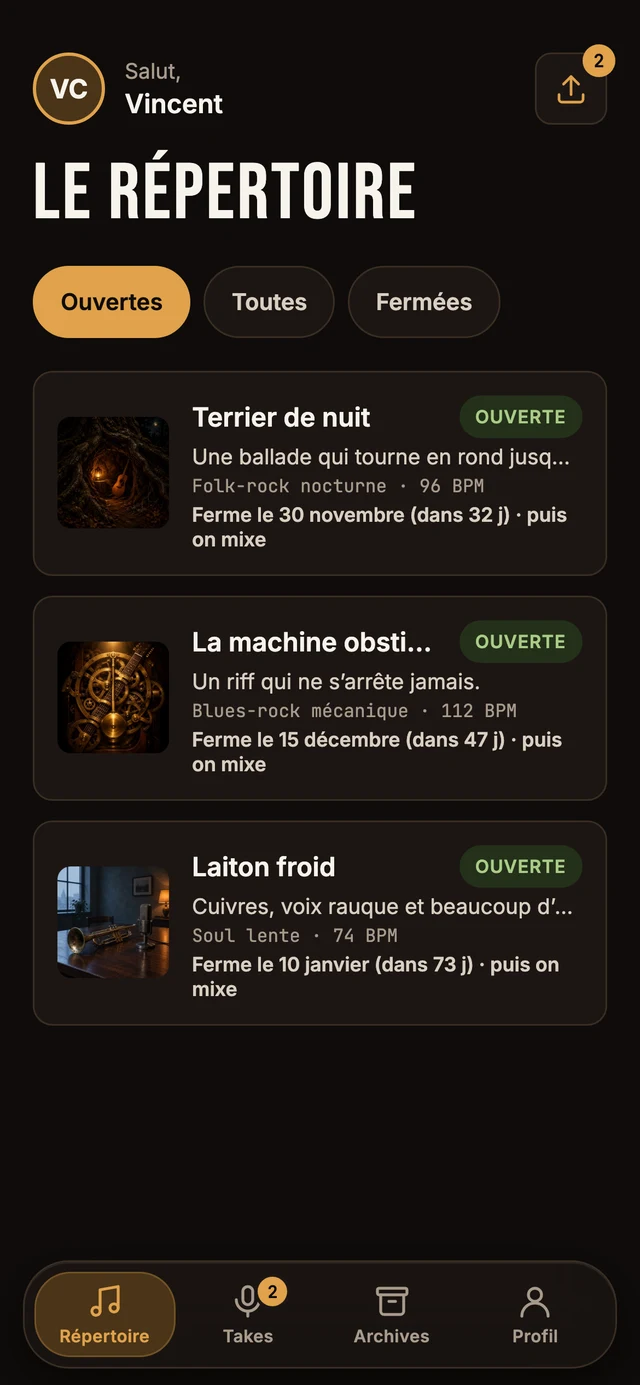
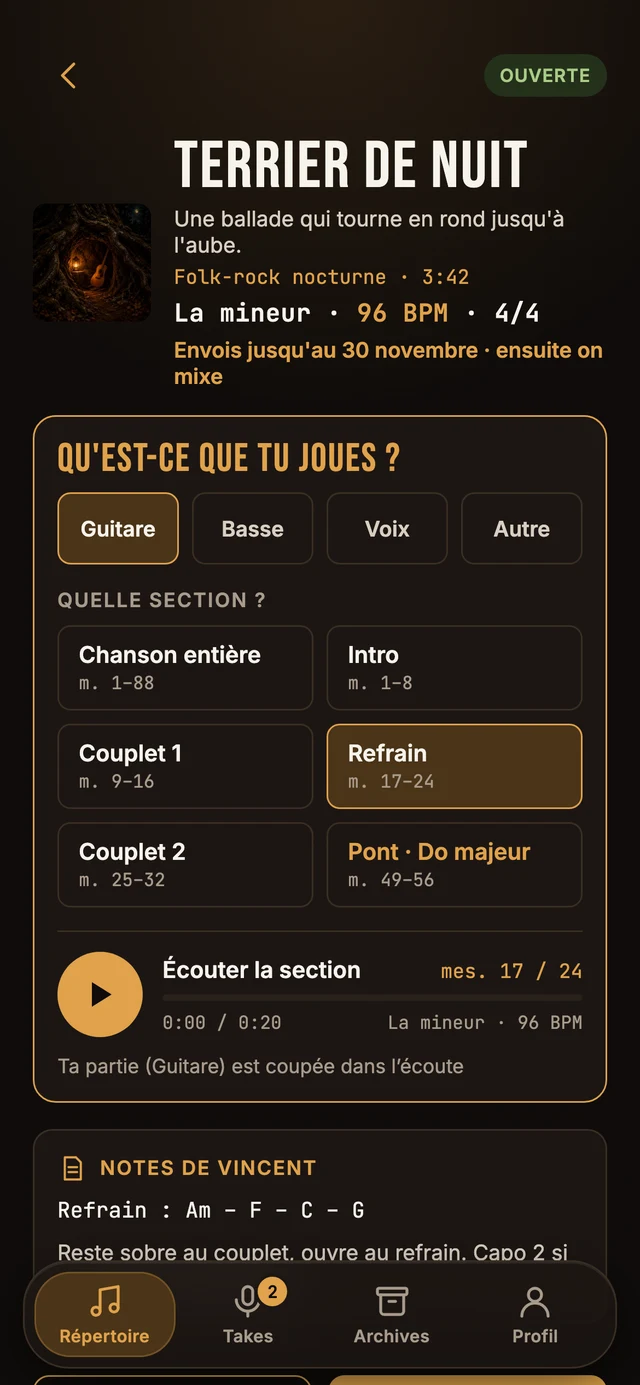
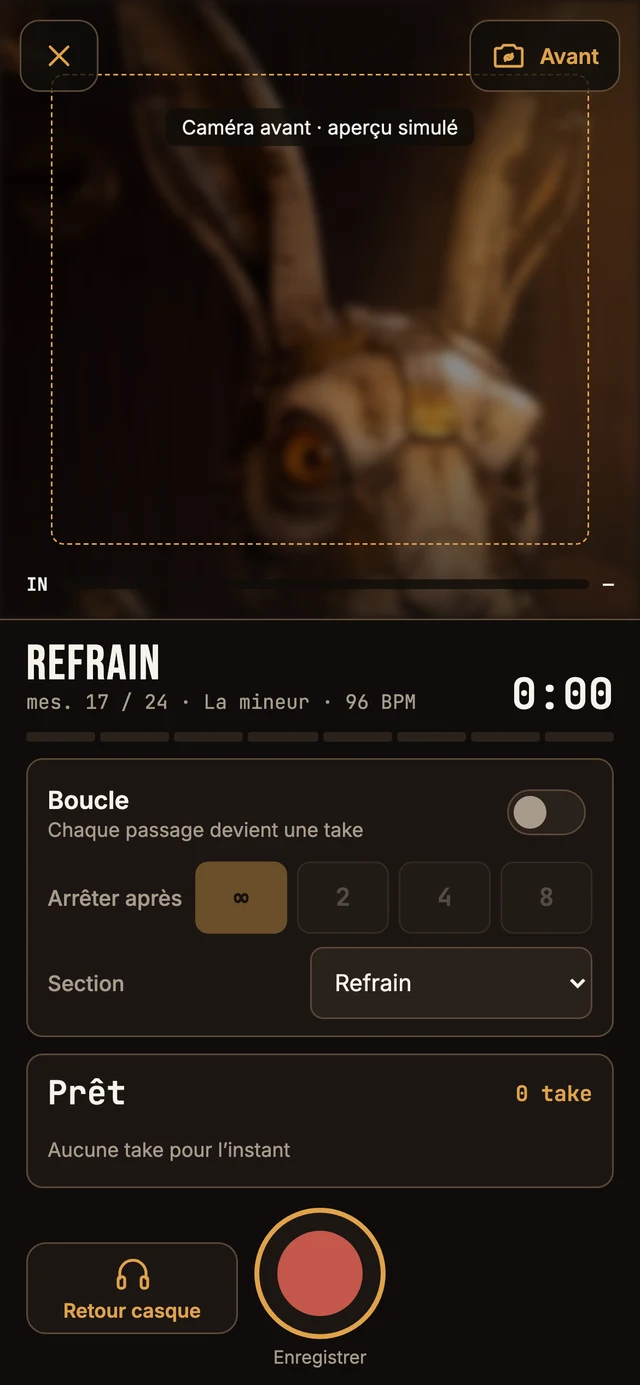
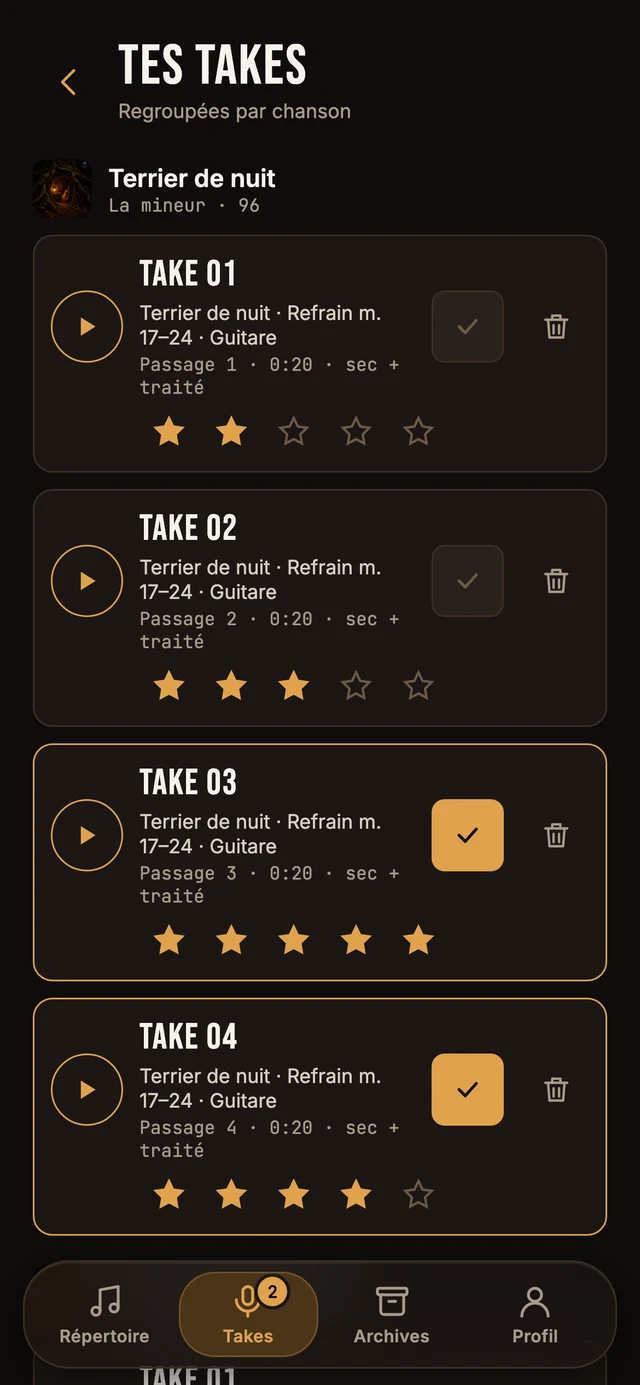
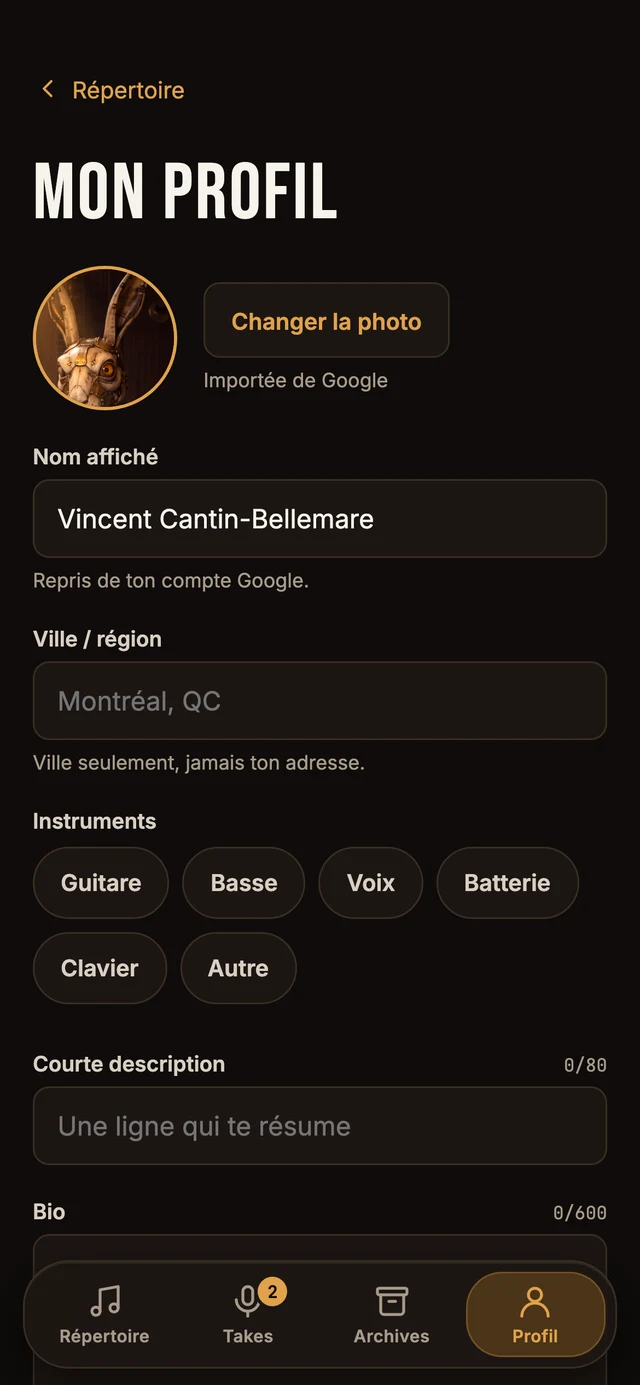
Screens taken from the mockups: the app may still change before launch.
The videos
Every closed song becomes a video, with credits for everyone who played.

The first songs are ready. As soon as the first one is closed and mixed, its video will appear here.
Join the waitlist to play on the next one.
The people behind the sound
Public profiles will come from the app, only with each musician’s consent: they are off by default, and everyone chooses which fields are shown.
Founder, guitar
Started Lapiloop to play with other musicians without having to get everyone in the same room.
Play on a song, then turn on your public profile in the app. Waitlist
Questions
An app for playing your part over songs made with AI (Suno). You pick a song, your part and a section, you play, and the app records your audio and video in sync with the track.
You send in your best takes. Codeshop mixes them with other musicians’ takes and turns them into a Playing for Change–style video, published on YouTube.
Nothing. Lapiloop is free for musicians. There’s no subscription and no advertising.
A take you don’t send stays on your device: it is never transmitted.
Before your first upload, you accept a short agreement: the audio and video you send are assigned to Lapiloop for editing, the video may be published on YouTube, your name appears in the credits and there are no royalties. We’ll ask for your consent again if the agreement changes.
Yes. At launch, Lapiloop is a web app: it opens in Safari on iPhone, with nothing to install. A native iPhone app will follow, with more stable latency and background uploads.
The web app opens in Chrome on Android and on computers. A native Android app will come later: Android is coming soon. Join the waitlist and choose Android to be notified.
A phone or computer with a camera, earphones or headphones (any kind, Bluetooth included) and your instrument. For vocals, wearing a single earbud helps you sing in tune.
For an electric guitar or bass without an amp, plug in a USB-C audio interface (iRig, Focusrite…): the phone’s microphone would barely hear it.
The app measures it for you: it plays a few beeps, you tap along, and it calculates your offset. That offset is saved with each take, so everything can be lined up at mixing, even with Bluetooth earphones.
Run the test again when you change earphones or audio input.
Yes. Practice mode lets you play over the song without recording anything. You can also loop a section (a chorus, a bridge) as many times as you like.
Only what’s needed: your Google account (name, email, photo), your profile, the takes you send and proof that you accepted the agreement. No advertising, no audience measurement tools, no reselling. Your public profile is off by default and you choose every field shown.
Lapiloop is built by Codeshop, in Quebec. Takes are stored on a Codeshop server in Quebec.
Just one email
Leave your email and your platform: we’ll write to you once, on the day Lapiloop opens for you. No newsletter, no sharing.

A question, an idea
Want to suggest a song, report a problem or just say hi? Write to us, and Vincent will answer.